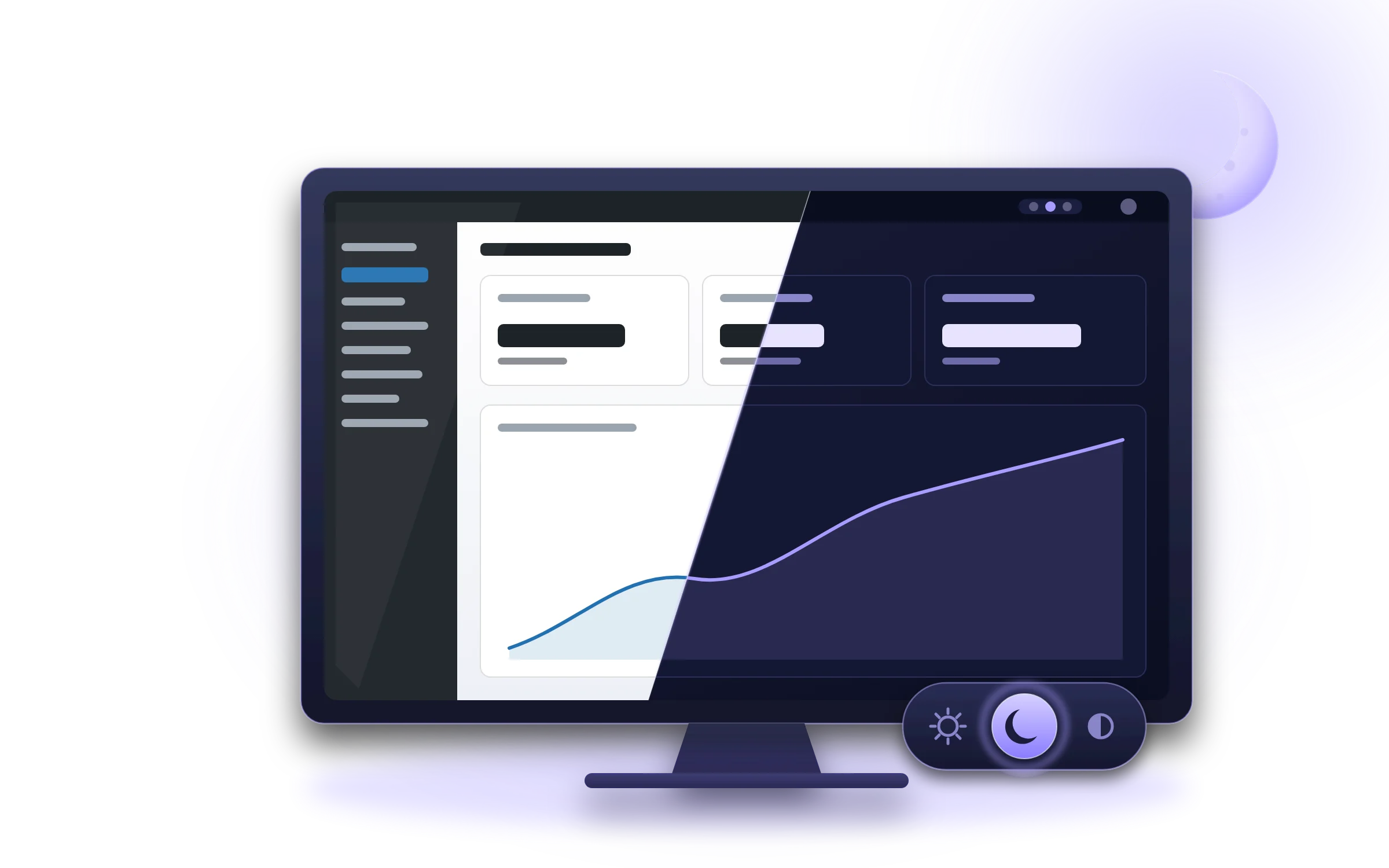
Anyone working late
Writing, moderating or checking orders at night without a white screen in your face.
 Adminight WordPress plugin v1.1.0
Adminight gives the dashboard a dark theme that is easy on the eyes late at night. Each user picks Light, Dark or Auto, from one icon in the toolbar. The front end of the site does not change at all.
Adminight has been submitted to the WordPress plugin directory. Until it is listed, download the zip here and install it from Plugins › Add Plugin › Upload Plugin.
Download the zipwhat it is
Most dark-mode plugins come with a trial, a paid tier or a settings page to learn. Adminight is one plugin that does one thing: it styles the admin screens with real colours, chosen for contrast, and lets every user decide for themselves.
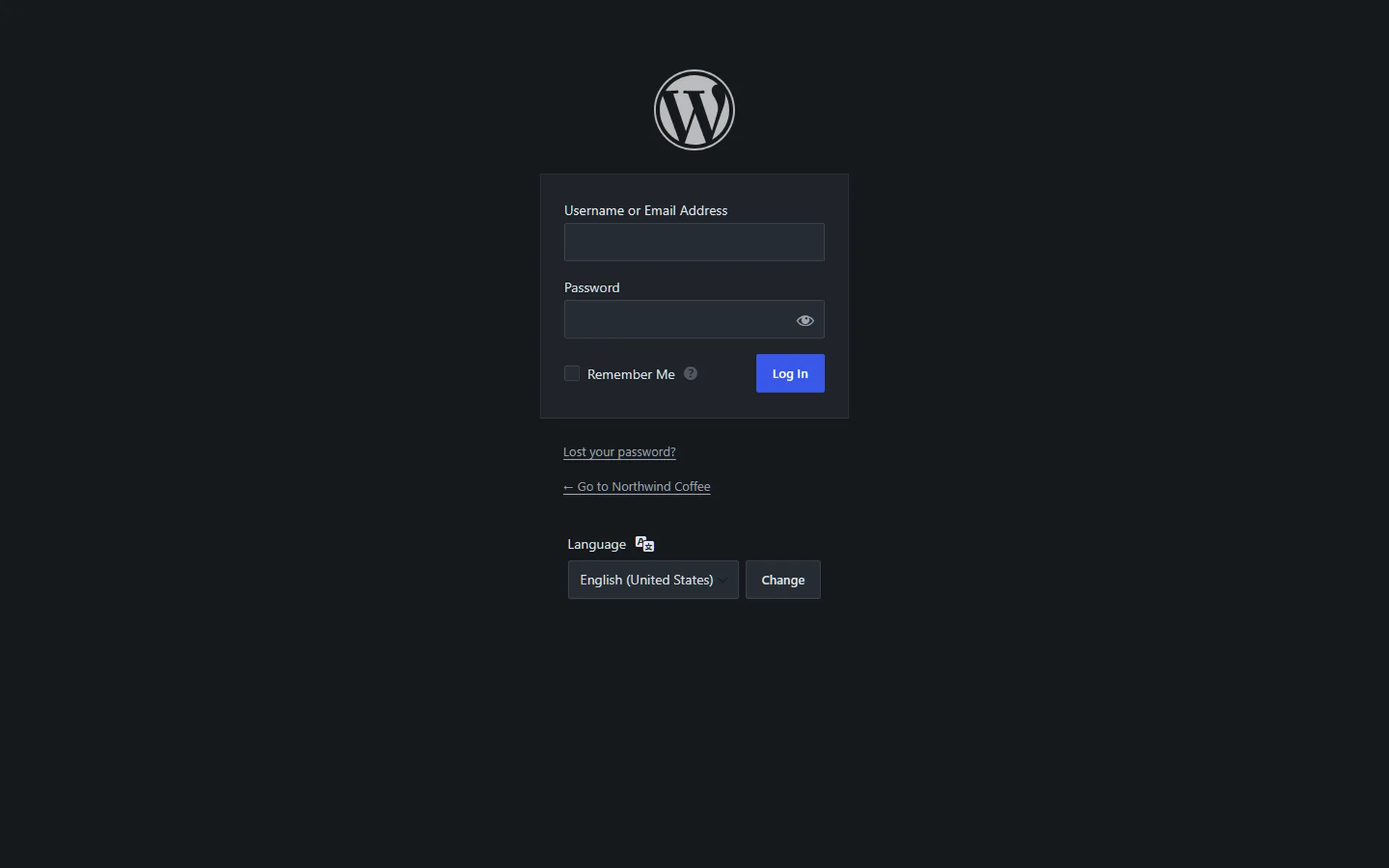
It adds no menu item, no notices and no widget. One icon next to “Howdy” switches the mode without a reload, the same choice sits in your profile, and Settings › General sets a default for everyone else. The login screen follows it.
Writing, moderating or checking orders at night without a white screen in your face.
Set the site default once; every editor and client can still pick their own.
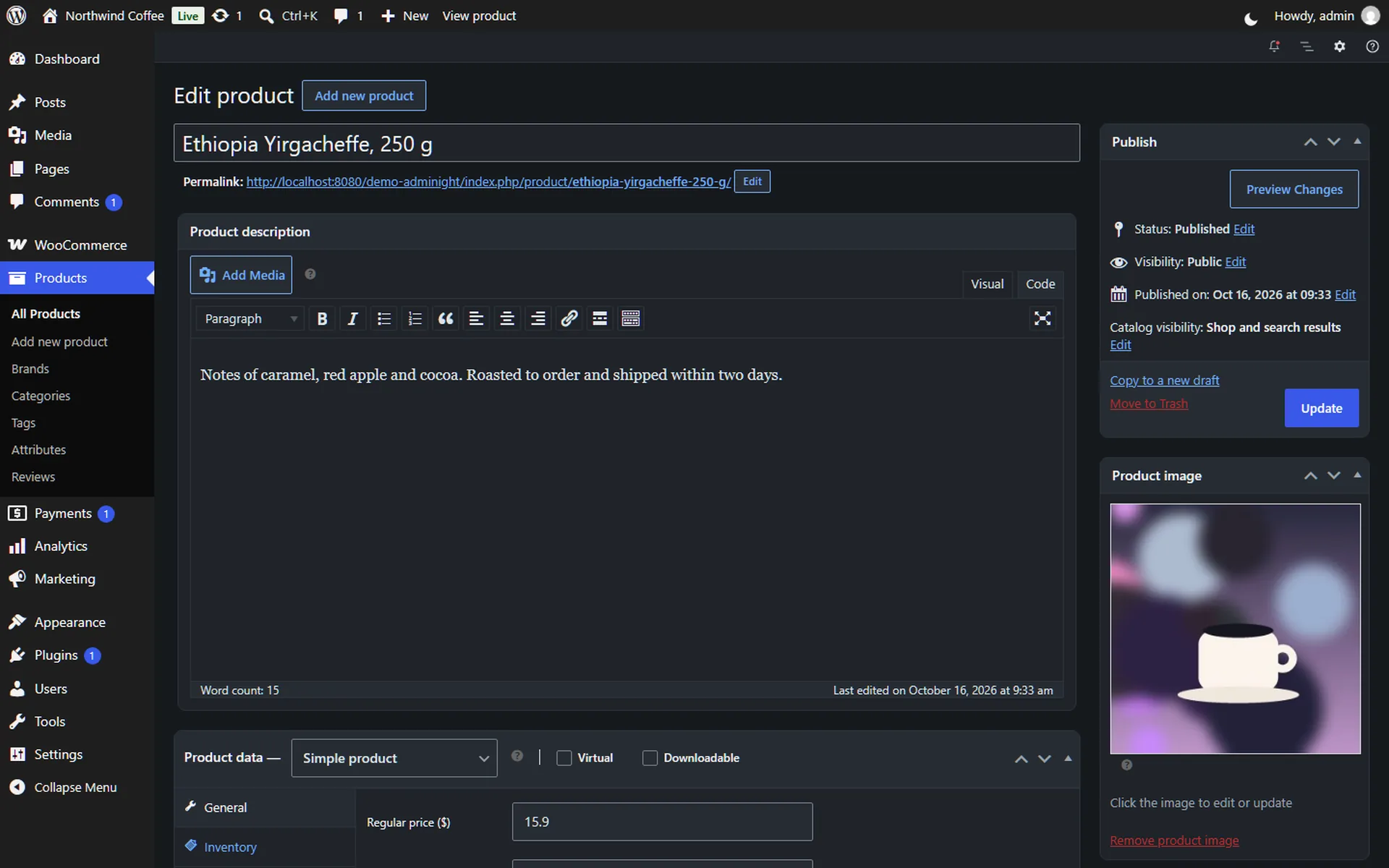
The common WooCommerce screens, products, orders and settings, are styled too.
three modes
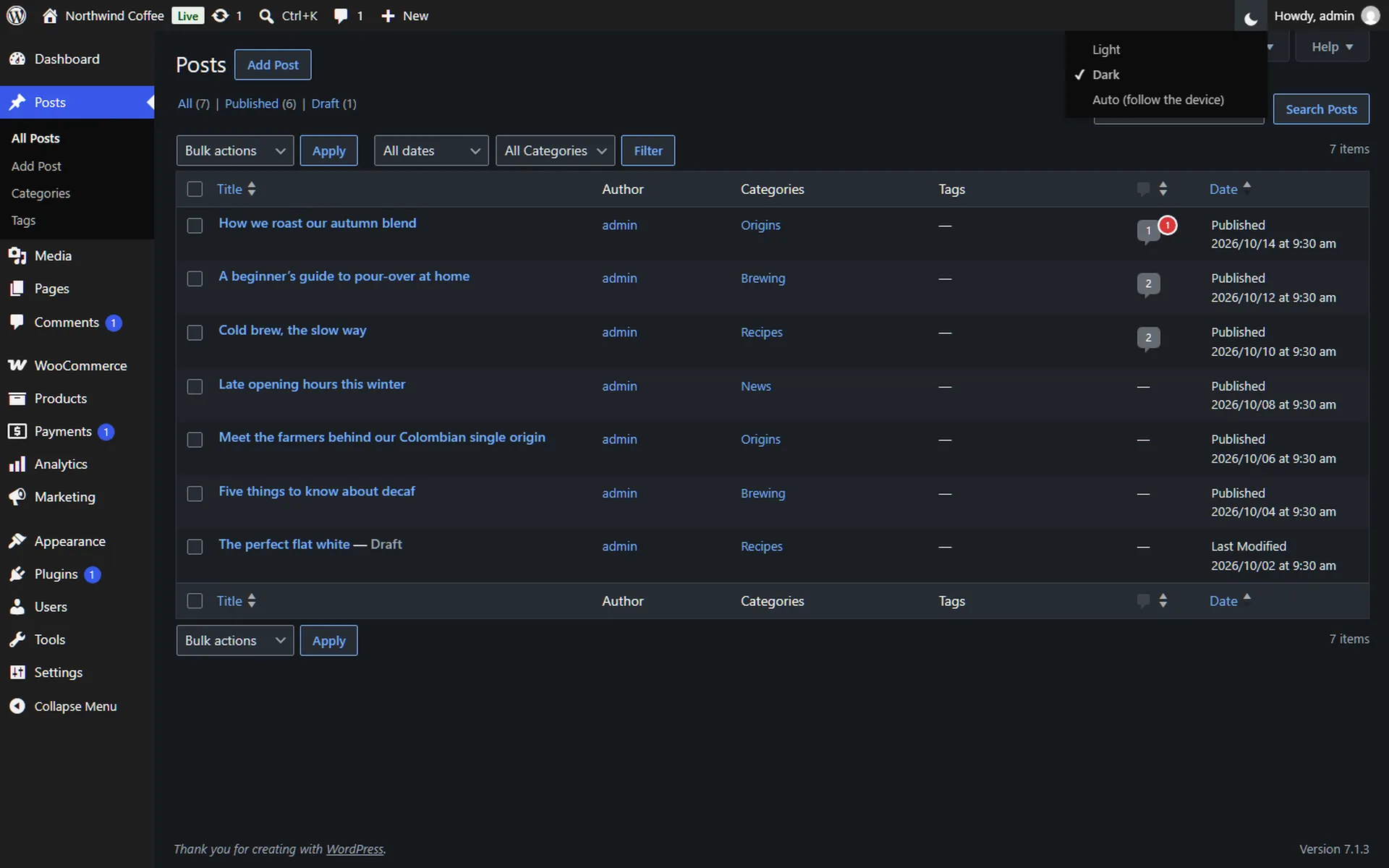
A sun, a moon or a half-moon in the toolbar. Click it and the dashboard switches at once, without a reload. The same choice sits in your profile.
The WordPress admin exactly as it ships. Nothing is loaded, nothing changes.
Every screen in designed colours with at least 4.5:1 contrast. Images, thumbnails and colour pickers keep their real colours.
Follows the device. When Windows, macOS, iOS or Android switch to dark, the dashboard switches with them, even while the page is open.
screens
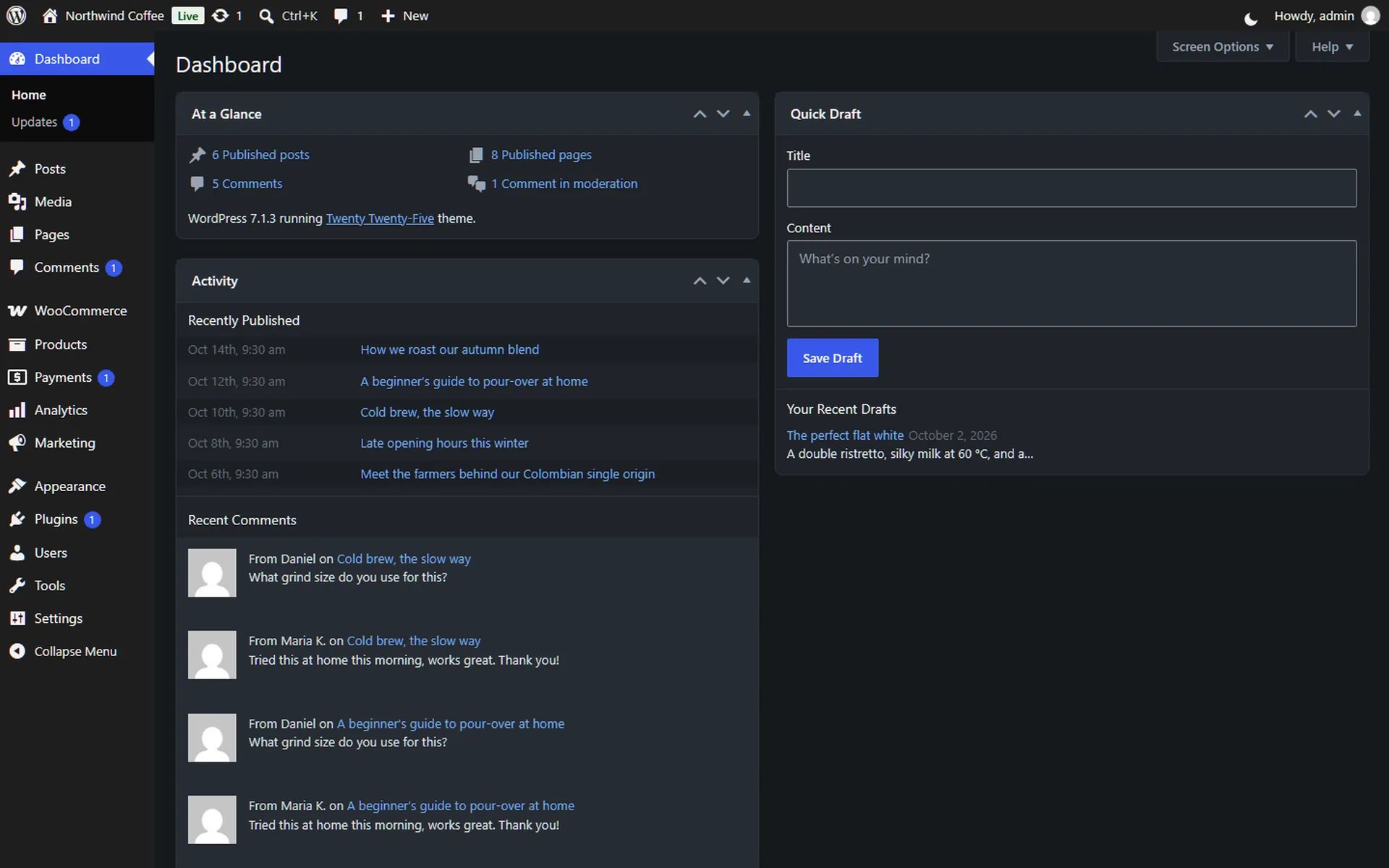
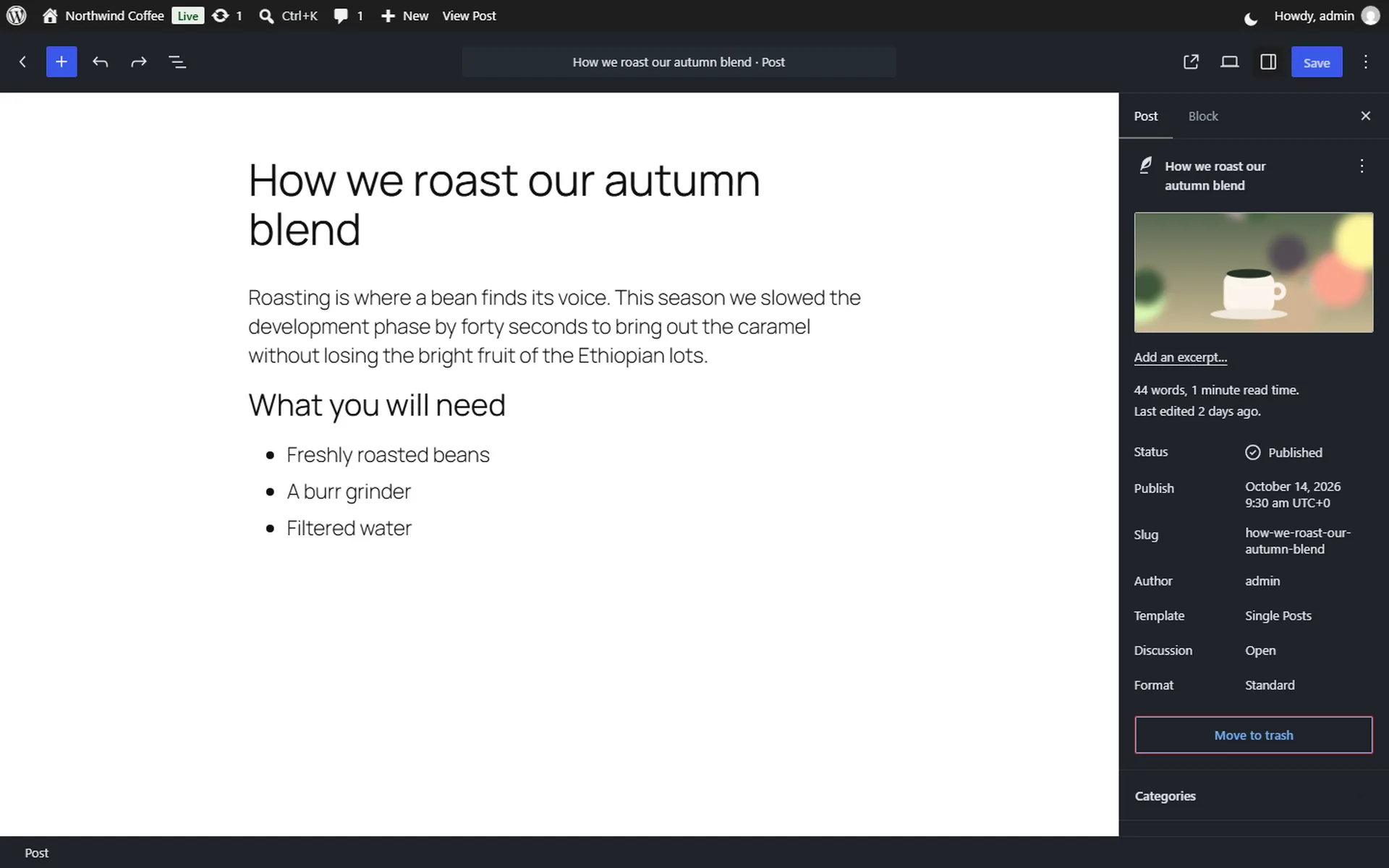
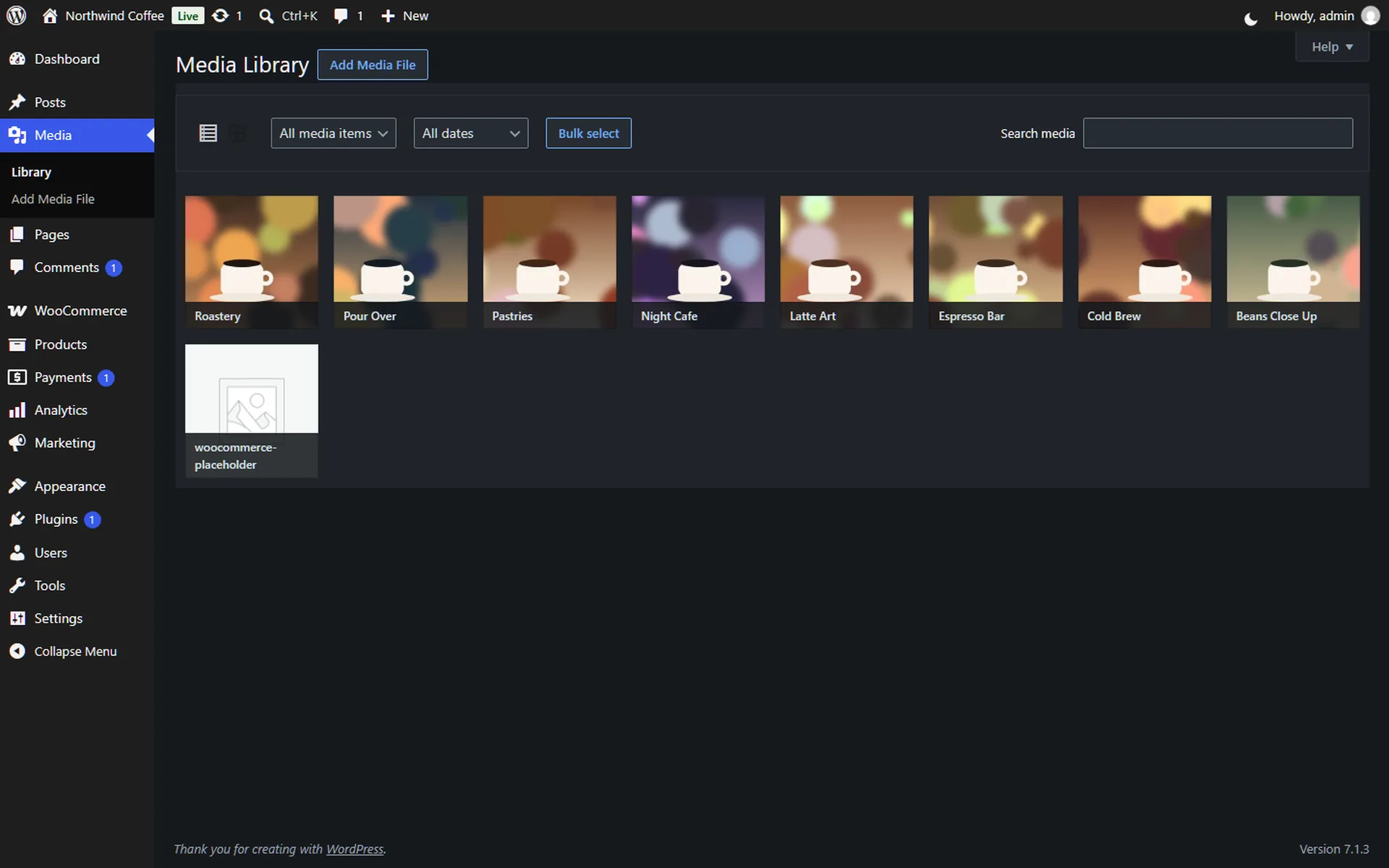
Real screens from a test site. Styled, not inverted: thumbnails, images and colour pickers keep their colours.
what it does
Plain CSS and a few lines of script, loaded only in the admin and on the login screen. No settings page of its own, no database tables.
Light, Dark or Auto. Auto follows the device's setting and switches by itself when the device does.
A sun, moon or half-moon icon next to “Howdy” switches modes at once, without a reload. The same choice is in your profile.
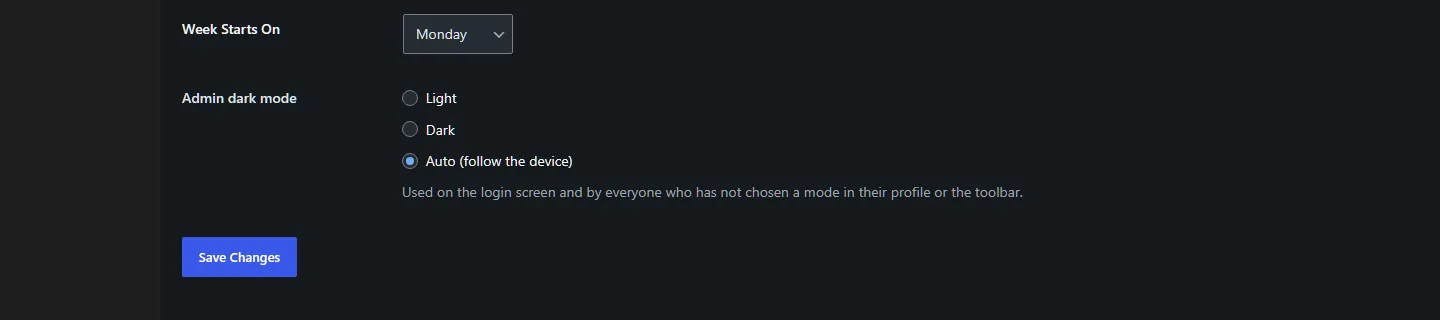
Settings › General picks the mode for everyone who has not chosen one. The login screen follows it.
The mode is set before the page is drawn, so a dark screen stays dark while it loads.
Every screen is styled with real colours, so images, thumbnails and colour pickers look right.
Dashboard, posts, the block and classic editors, media, comments, plugins, themes, users, settings, Site Health, menus, the Customizer and the common WooCommerce screens.
adminight pricing
There is no Pro version, no locked feature and no upgrade notice. A dark dashboard should not need an account, a trial or a paid tier.
for every site and every user
Freeforever
unlimited sites, unlimited users
questions
No. Only the admin screens and the login screen change. The front end stays exactly as it is.
Your browser tells the page whether the device is in dark mode. In Auto, the dashboard follows it, and changes with it while the page is open.
Yes. Settings › General › Admin dark mode sets the mode for everyone who has not picked one. Each user can still change their own, and developers can use the adminight_default_mode filter.
It shows your post with your theme's editor styles, so what you see matches the published page. If your theme has a dark style, the writing area follows it.
Adminight styles the WordPress screens and the most common WooCommerce ones. Tell us which plugin and screen, ideally with a screenshot, and we will add it.
Yes, entirely. No Pro version, no locked features, no account.
Tell us which plugin and which screen, with a screenshot if you can, and it goes on the list. Questions and ideas are welcome the same way.